Your drawing as a cookie cutter and a stamp
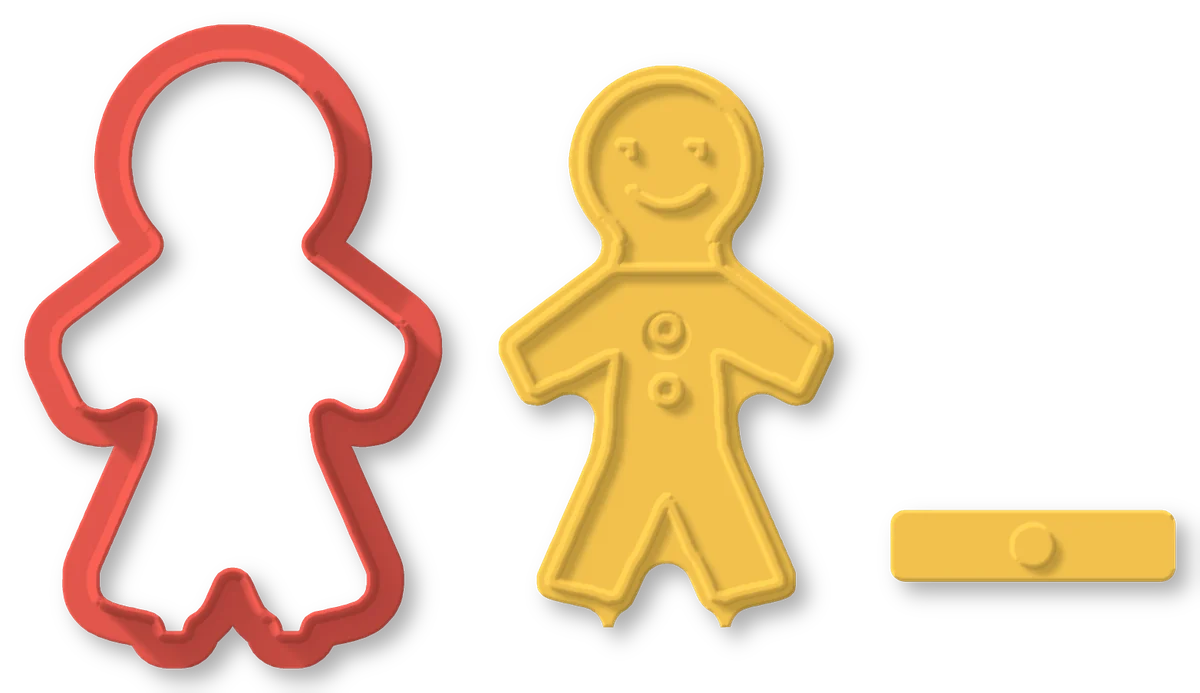
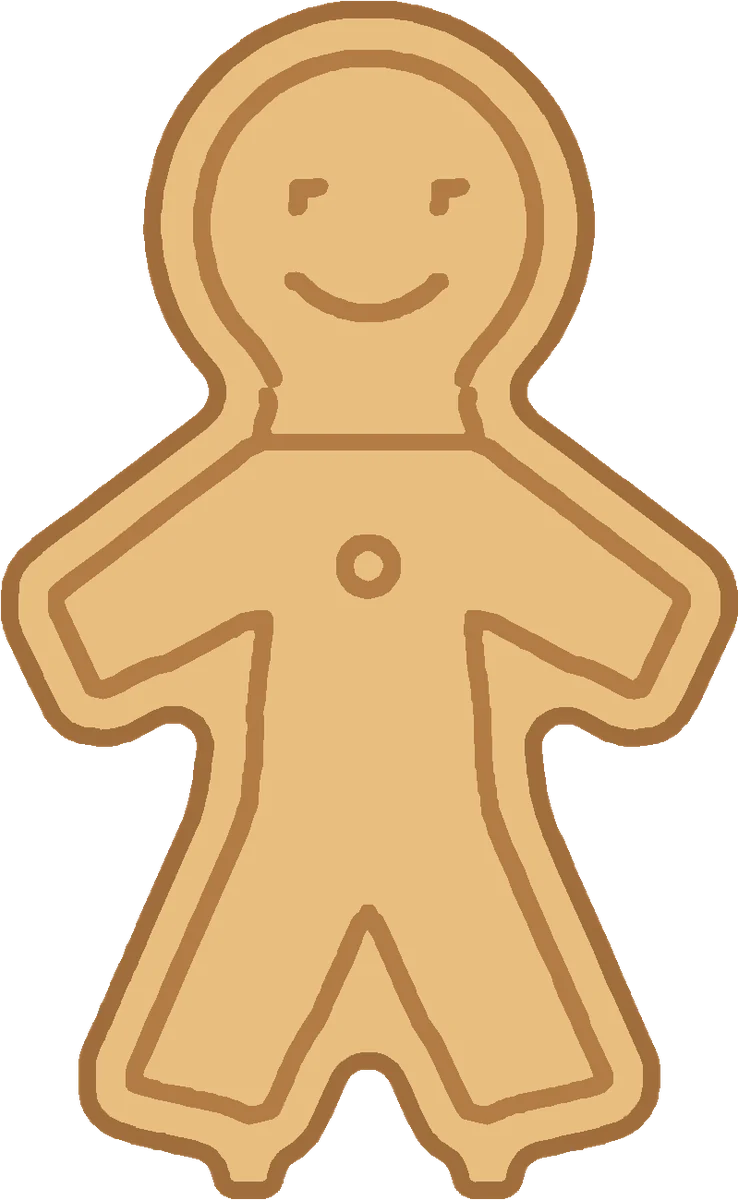
3D Cookie Cutter follows the outline of any drawing for the cutter and presses its inner lines into the cookie with a matching stamp. Use one of your 3D Doodle drawings for free, your own drawing, or let the AI draw a photo.
- Free from your 3D Doodle drawings
- 3 credits per AI drawing
- Prints flat, no supports
Examples
From a doodle to a cookie
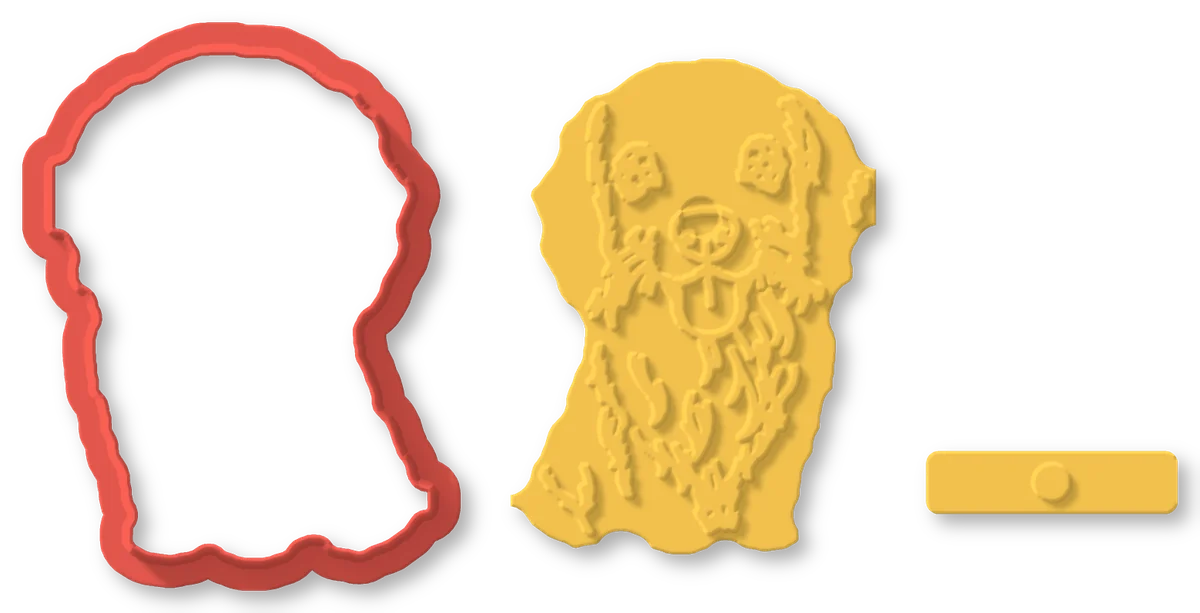
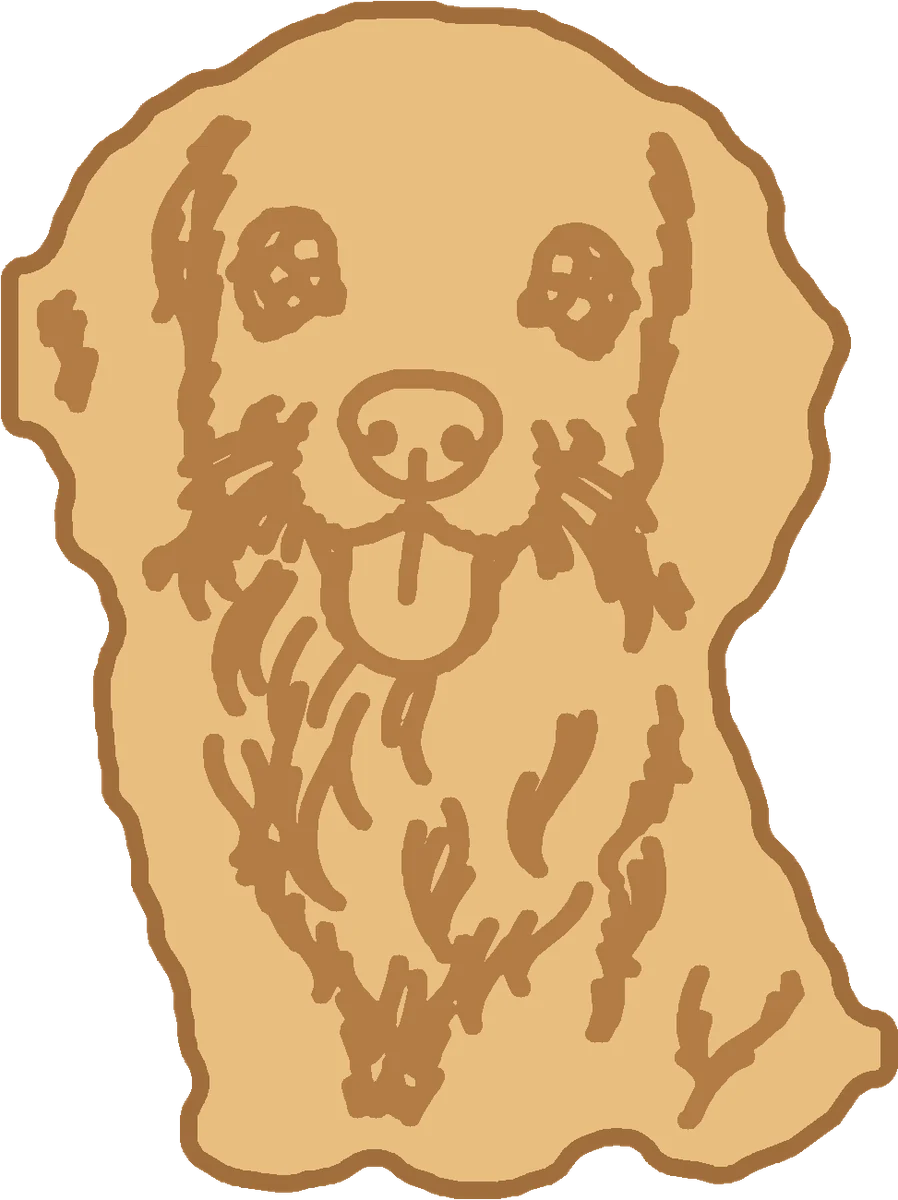
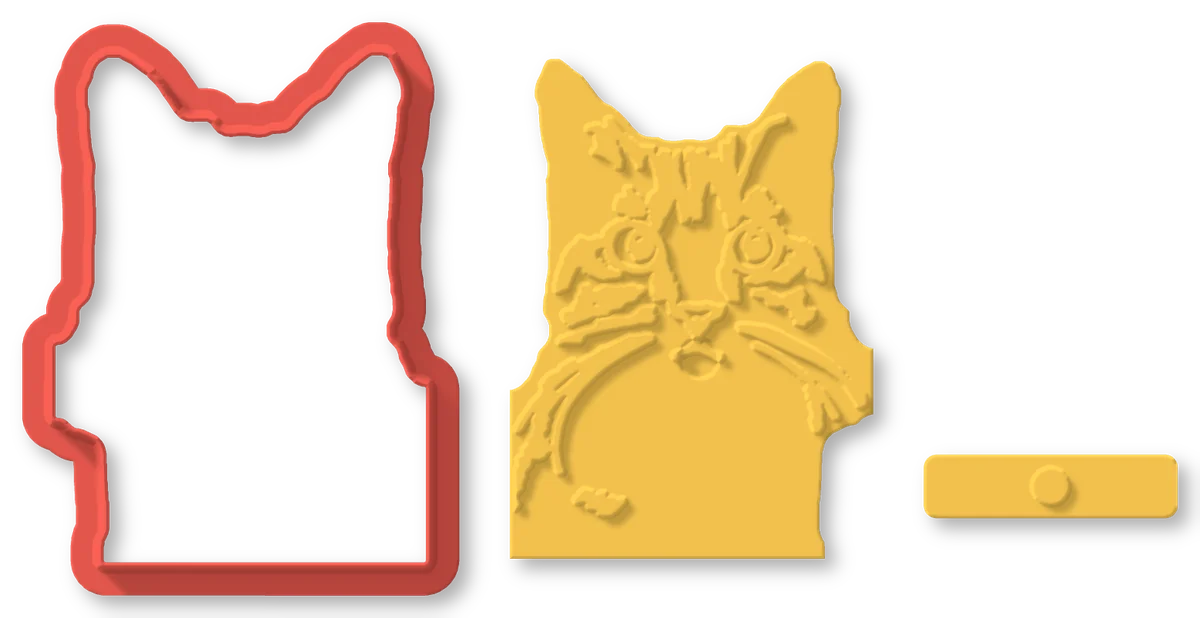
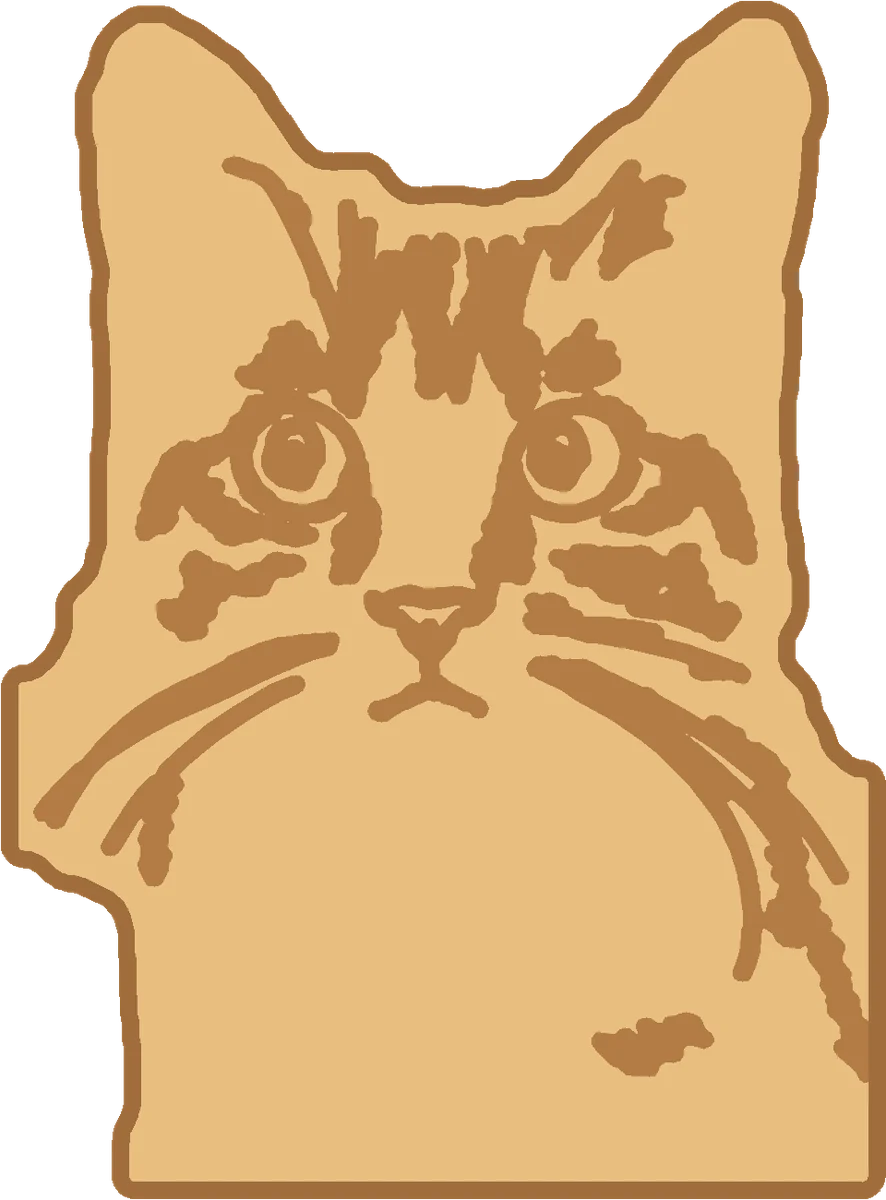
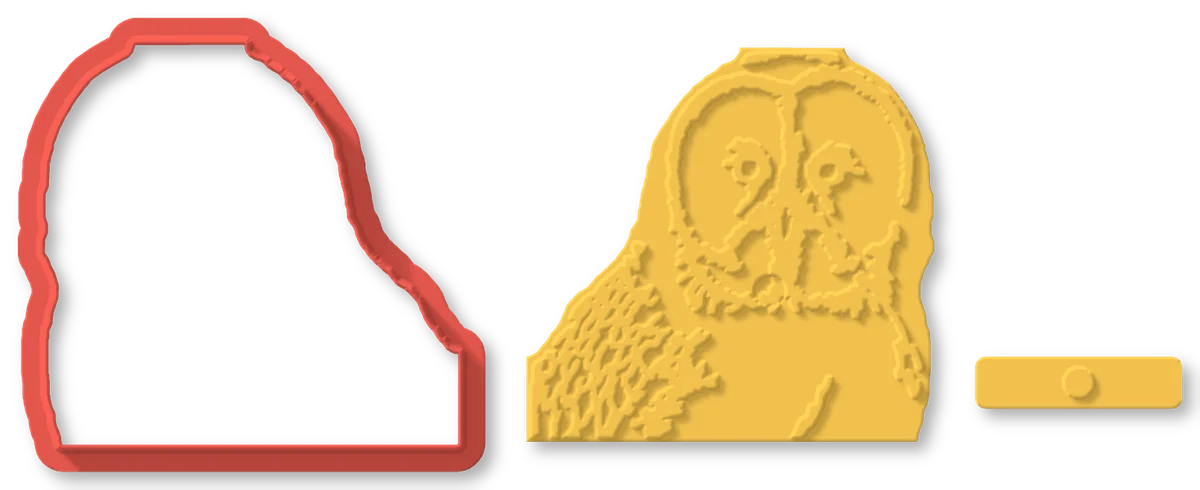
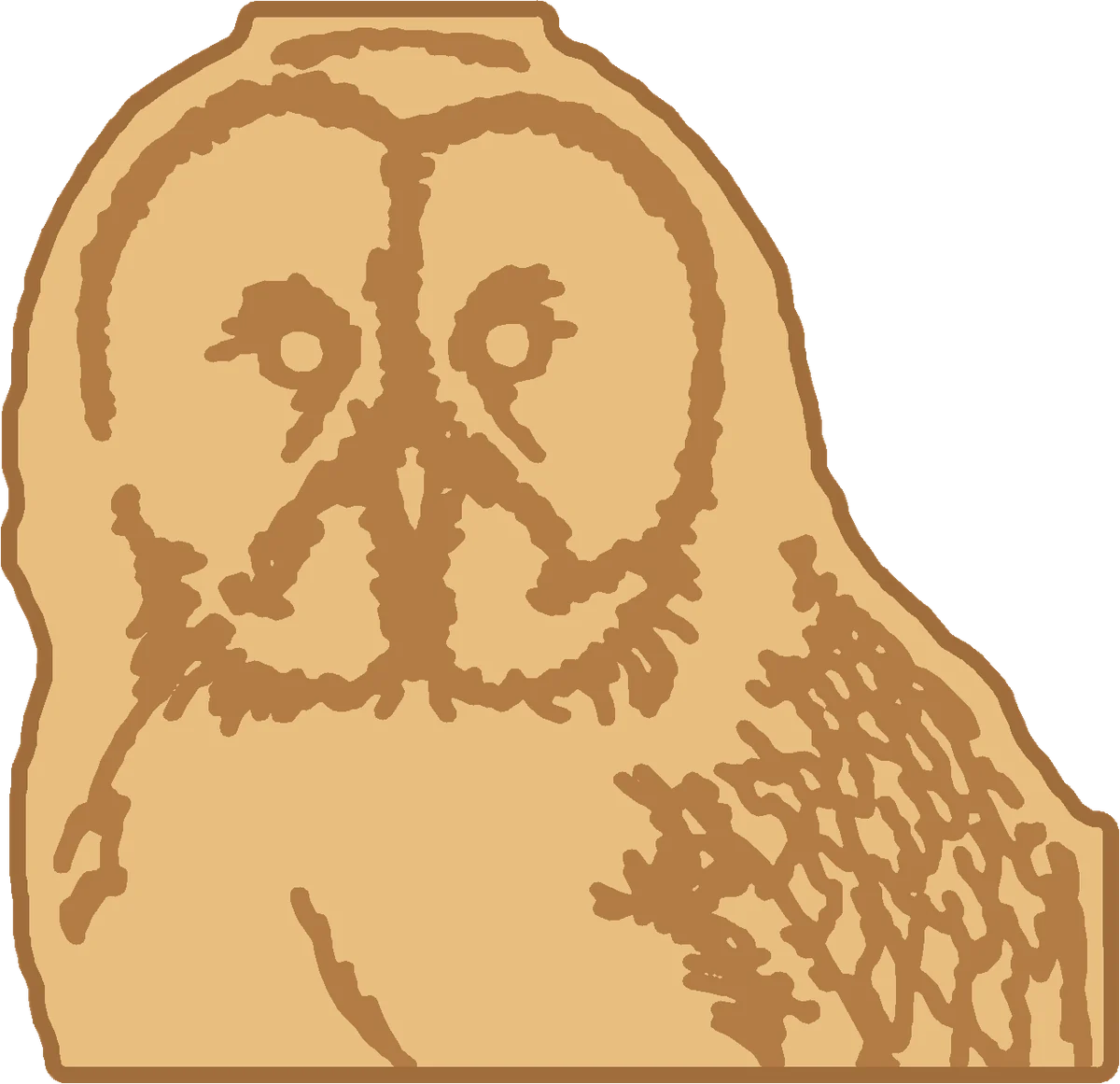
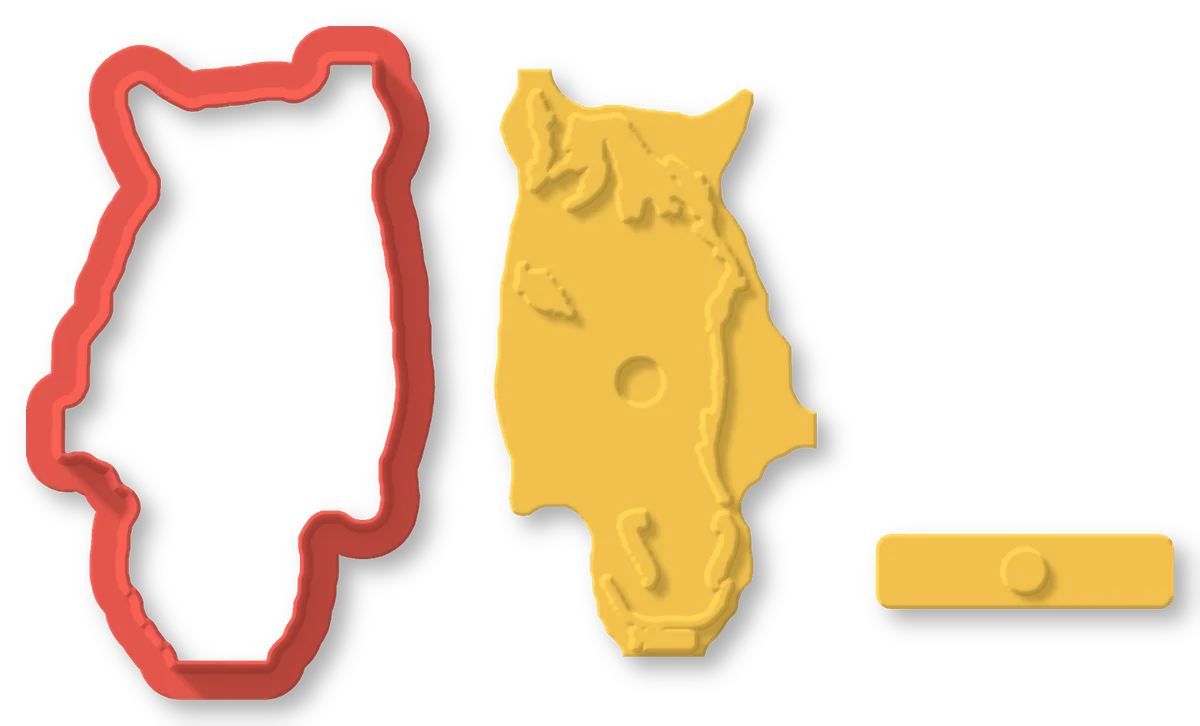
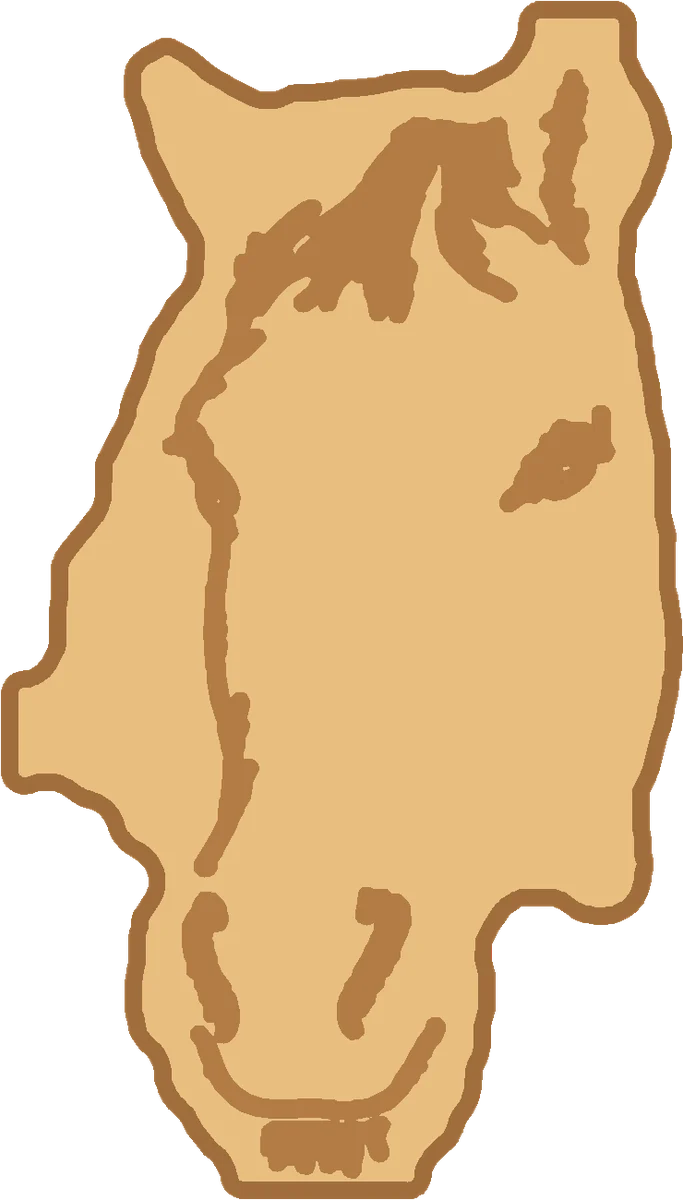
How it works
Three steps to your own cutter
Pick a drawing
One of your 3D Doodle drawings or your own drawing (both free), or a photo the AI draws as a bold, simple cookie shape.
Size and outline
Choose the cookie's size and how closely the cutter follows the drawing: detailed, balanced or simple.
Print and bake
Print the cutter, the stamp and its handle flat, without supports. Cut the dough, press the stamp in, bake.
FAQ
3D Cookie Cutter questions
What drawings work best?
Bold, simple drawings with one clear outline: a pet, a face, a toy, your child's drawing. Tiny details come out as the dough allows; the outline is rounded so a cutter can follow it.
Is it safe for food?
Print it in a food-safe filament such as PLA or PETG, wash the parts in warm water before and after use (not in the dishwasher), and use them for dough only. Printed parts have fine grooves: replace them when they wear.
Why is the stamp mirrored?
It prints face up and presses face down. Mirrored, the picture it leaves in the dough reads the right way.
Do I need the AI?
No. Your 3D Doodle drawings and your own drawings are free to use. The AI drawing of a photo costs 3 credits; downloading a piece made without the AI costs 1 credit once.
Do I need supports or a special printer?
No. The cutter stands on its rim, the stamp lies flat with its lines up, and the handle lies on its side: any FDM printer prints them.