A sheet for every colour
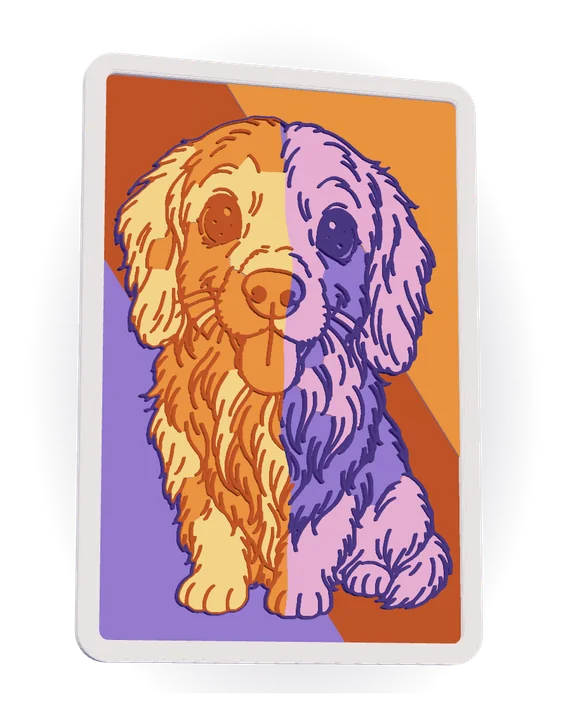
Each colour is a raised sheet on a backing plate, stacked like a paper-cut shadow box, with the drawing's lines raised on top and an optional frame.
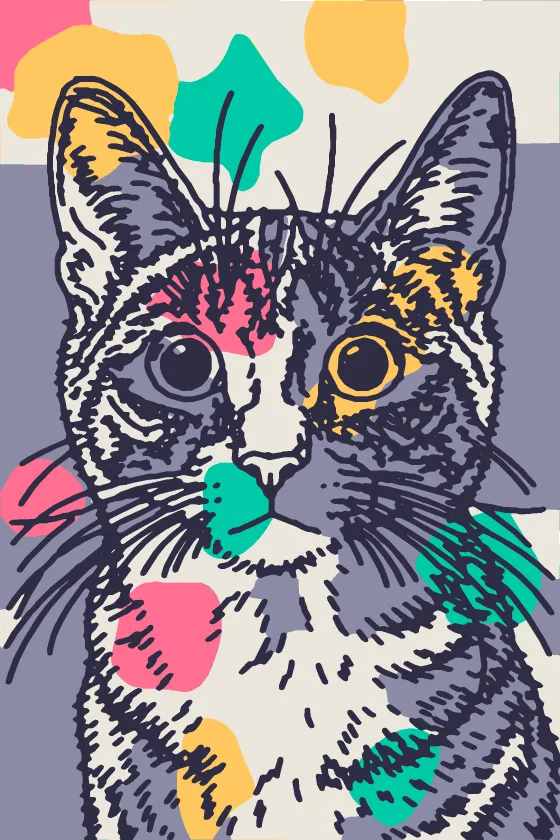
3D Layers turns a photo into a doodle line drawing, fills the areas between its lines with the colours of your own filament spools, and gives every colour a sheet of its own, stacked like cut paper, with the lines raised on top. 3D Doodle prints the lines on a plate; 3D Layers colours the drawing's own shapes, in depth.
Interactive demo
Watch it play, or step through it yourself. The drawing carries the detail, your colours fill its areas, and every colour becomes a sheet of its own: stacked, with the lines on top, they make the picture.
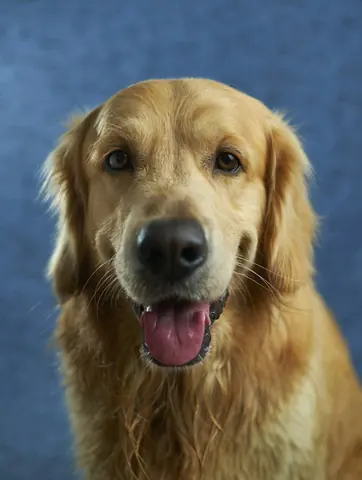
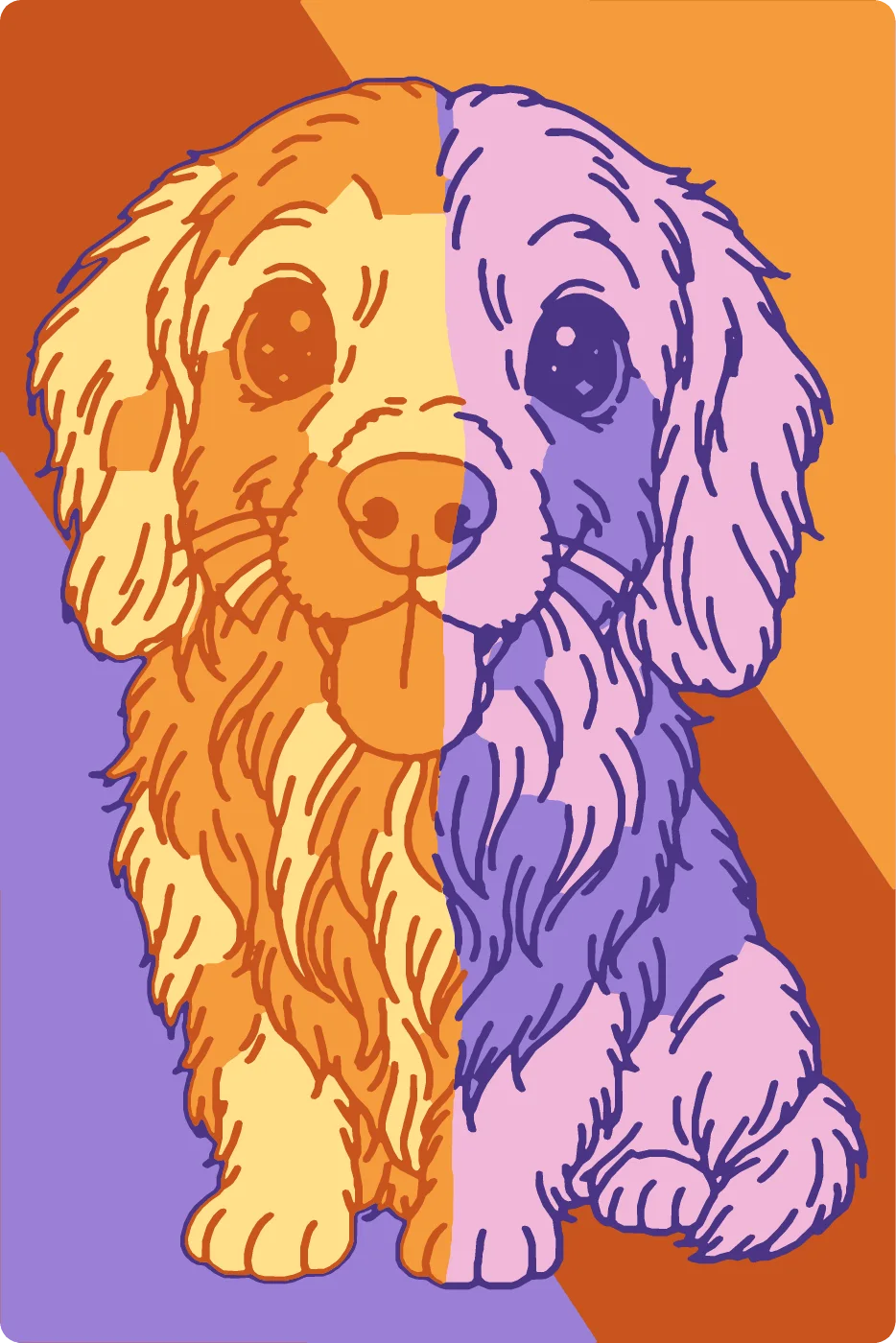
Upload a photo of a pet, a person or a place you love. Any photo you have the right to use works.
Pick a drawing style (3D Doodle's own), a palette style and your colours: 4 to 8 filament spools you own. The palette style decides where each colour goes.
Any brand works: choose from your saved spools or a library of more than 2,000 filaments.
The AI draws your photo as a doodle, like in 3D Doodle; your colours fill the areas between its lines. Change the colours as often as you like: free and instant.
7 credits per AI drawing. If it fails, you get them back. Your 3D Doodle drawings and your own drawings are free.
This is a real, printable 3D model: every colour is a sheet of its own, raised above the one below it.
Multi-colour printer? Every colour and every line colour is its own part. One nozzle? Each colour sits at its own height, so a few filament changes do it.
Filament changesone nozzle
What you get
Each colour is a raised sheet on a backing plate, stacked like a paper-cut shadow box, with the drawing's lines raised on top and an optional frame.
Photo colours, pastel gradient, duotone, pop art, rainbow split or colour spots, filling the areas of the drawing: the AI's, one of your 3D Doodle drawings or your own.
Choose 4 to 8 colours from your saved spools or a filament library: the art is made in exactly those colours.
A Bambu Studio or OrcaSlicer project with every colour already on its own filament, a 3MF with one filament per colour for other slicers, or one STL with a short list of filament changes for a single nozzle.
Palette styles
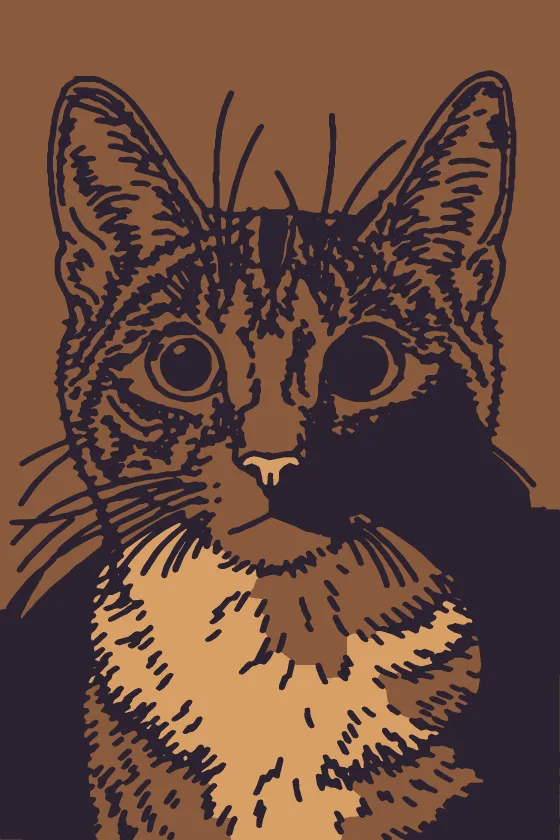
The style decides where each of your colours goes, area by area between the lines. Changing it is free and instant: the drawing stays.
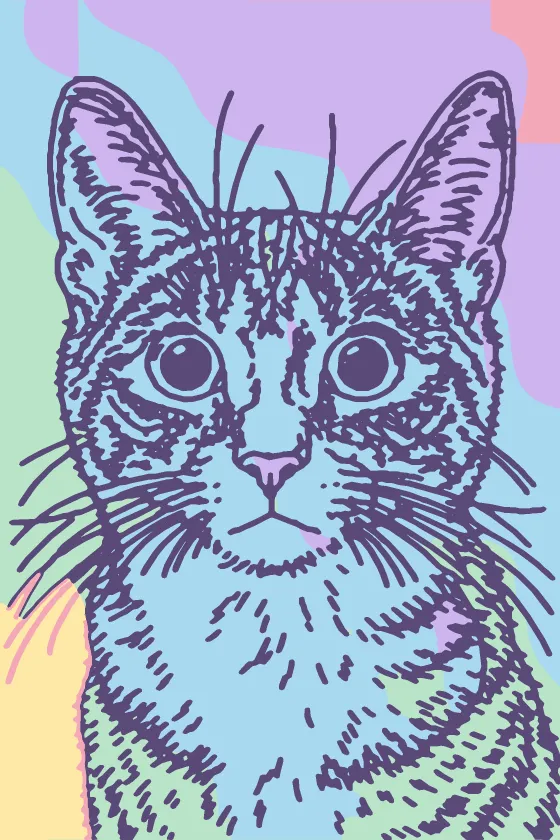
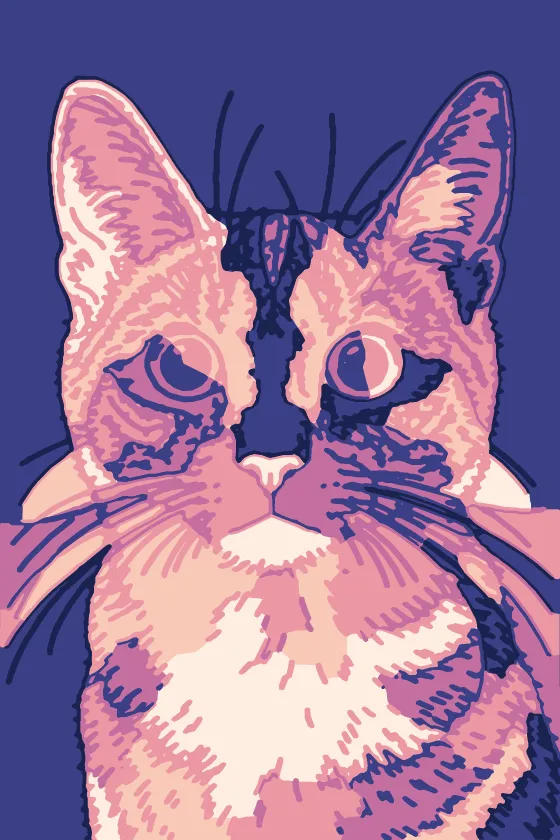
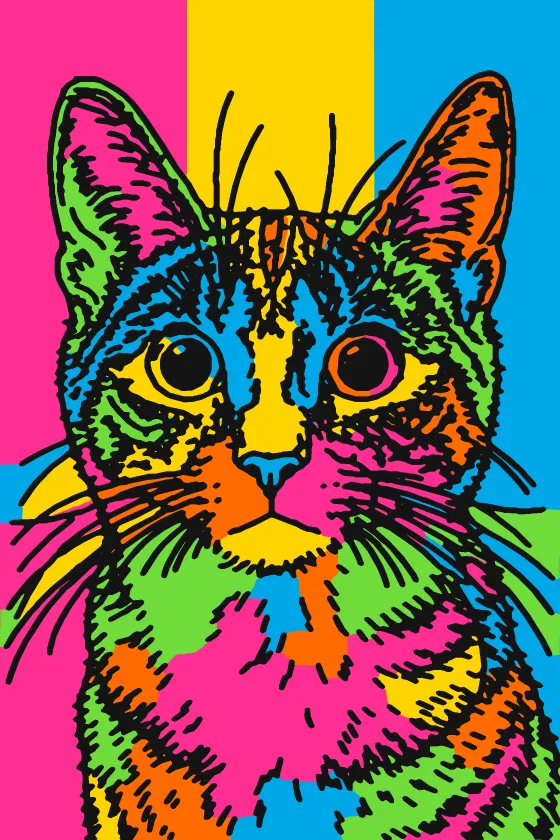
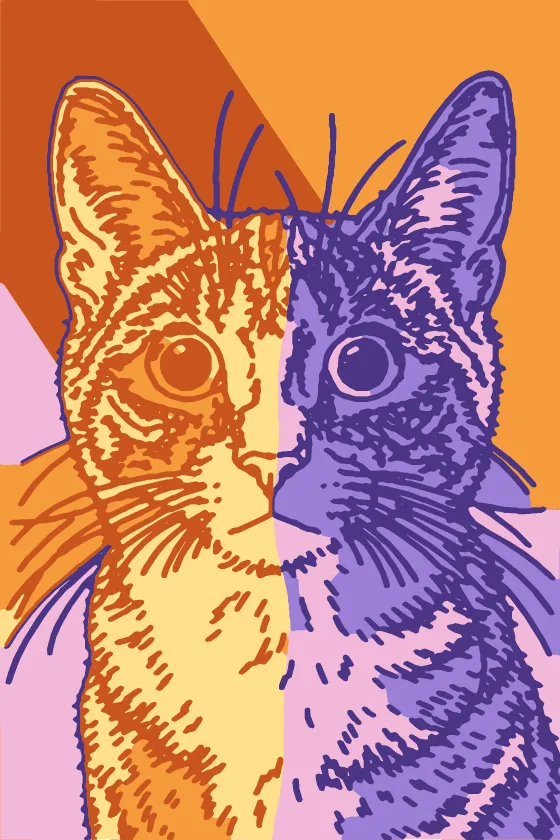
Real results
Every piece below started as an ordinary photo. Hover over a piece, or tap it, to see the original.
FAQ
The AI draws your photo as a doodle line drawing, in any of 3D Doodle's styles (or you use one of your 3D Doodle drawings, or a drawing of your own). Your palette style fills the areas between its lines with your colours. Our engine then cuts every colour into a sheet of its own, stacks the sheets on a backing plate like cut paper and raises the lines on top.
From 4 to 8: one filament spool per colour. Pick them from the spools you saved, from a library of more than 2,000 filaments, or any colour you like.
Yes. Every colour sits at its own height, so you print one piece and change the filament at a handful of heights we list for you. With an AMS or another multi-material unit, the 3MF gives every colour its own filament (in Bambu Studio and OrcaSlicer it is already set).
No. Colour one of your 3D Doodle drawings, or a line drawing of your own, and the palette styles and the 3D model are free. The AI drawing costs 7 credits, failed AI actions are refunded, and recolouring it never calls the AI again.
15, 20 or 25 cm on the long side, or a size you type in, with 15 frame shapes or no frame. In Advanced you choose the thickness of the sheets, their order and the lines, and the preview updates as you go.
3D Doodle prints the lines of a drawing on a plate, optionally with geometric colour zones behind them. 3D Layers uses the same drawing, but its colours follow the drawing's own shapes: every area between the lines takes a colour from your palette style, the colours are stacked in depth like cut paper, and the lines are raised on top.
3D Layers opens soon. At launch, sign up in seconds and get 10 free credits.
Sign up in seconds and get 10 free credits.