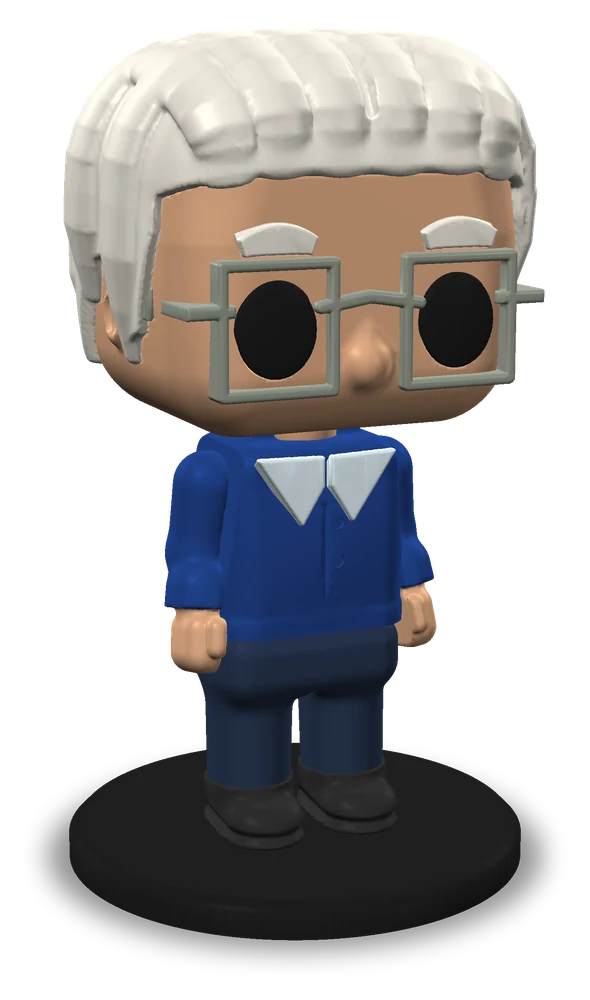
Figure
The whole body on a round or square base, 6 to 15 cm tall, with a name on the base if you like.
3D Figure turns a photo of a person into a big-head collectible figure, a bust or a keychain, made for an ordinary one-colour printer: pre-cut parts, one colour each, already turned the right way up, no supports, and pegs to put it together.
 3D model · drag to turn
Real results
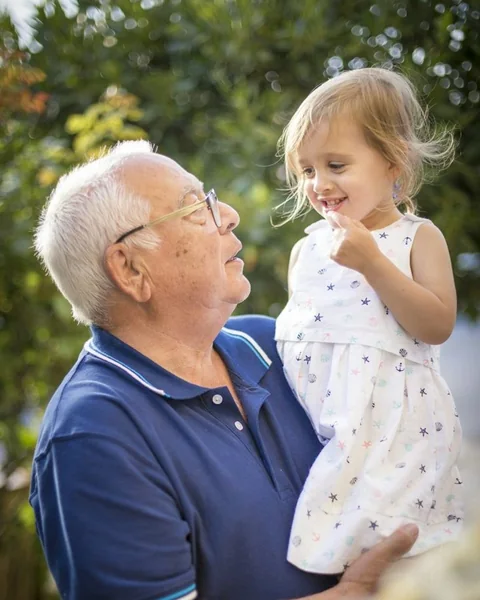
The AI read each photo and designed the figure: the hair, the colours, glasses, beard and clothes. Nothing was retouched by hand.
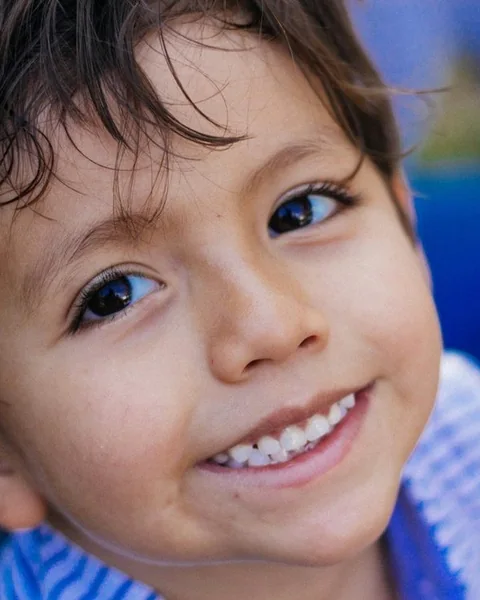
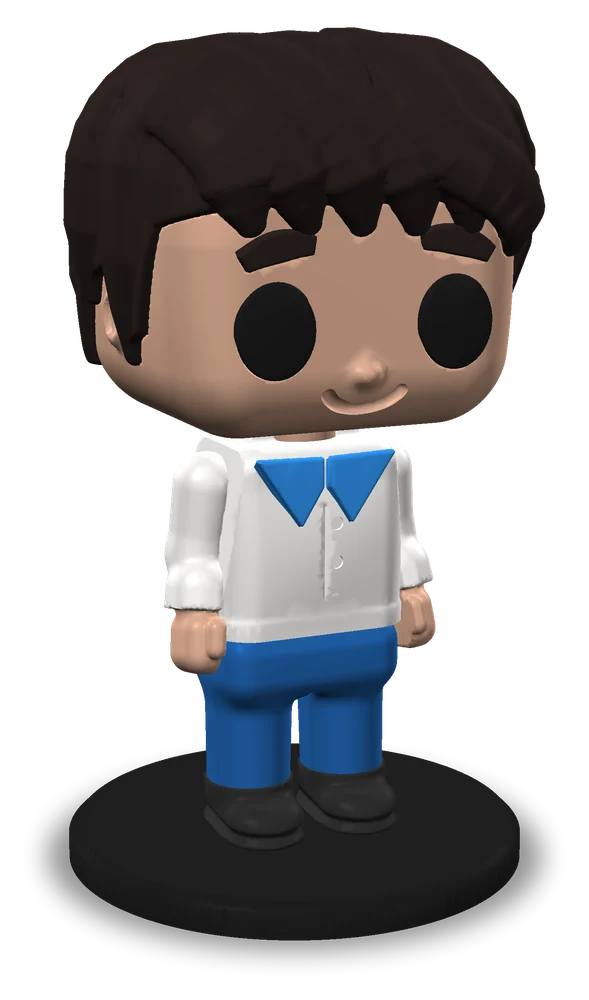
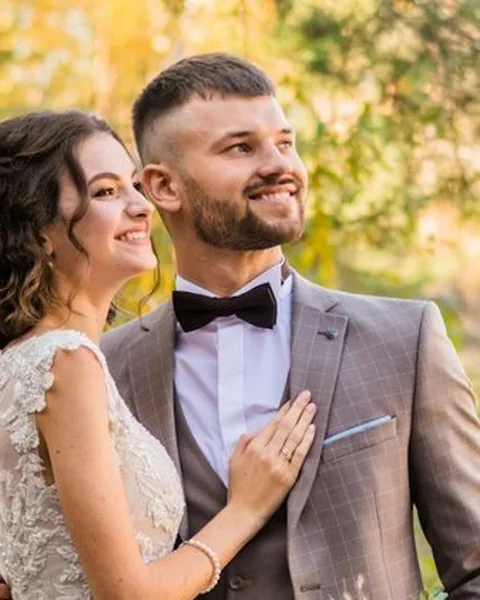
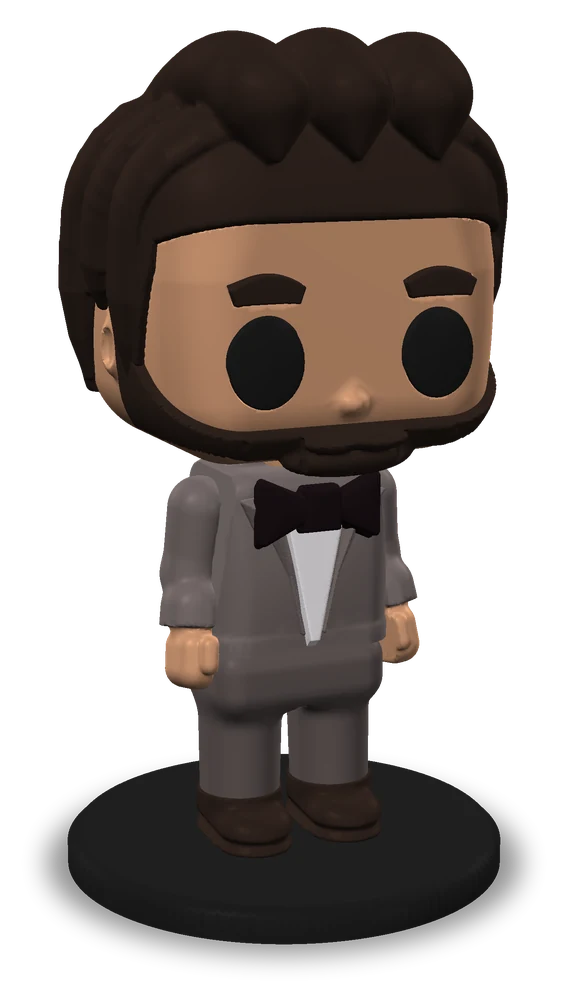
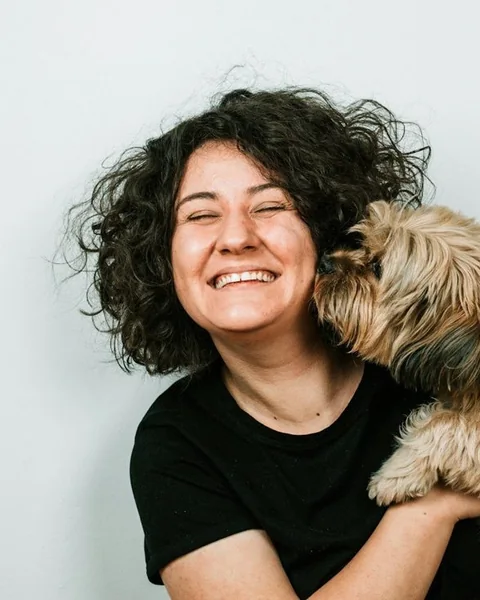
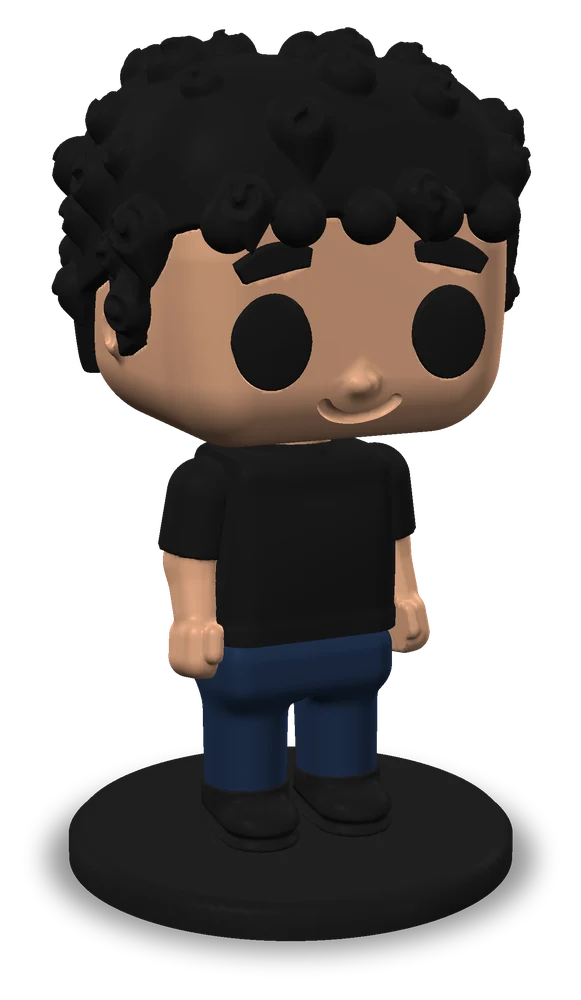
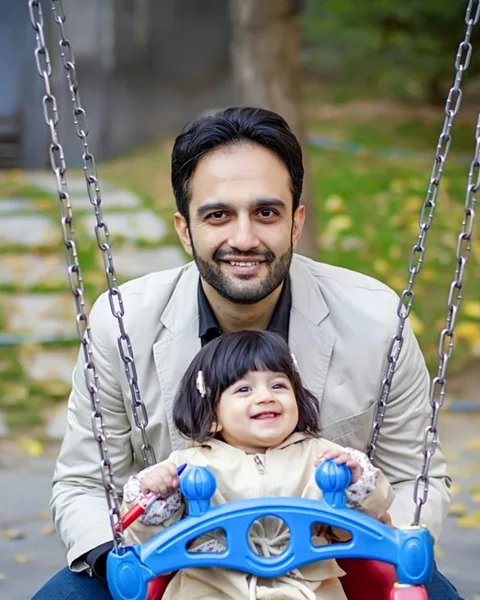
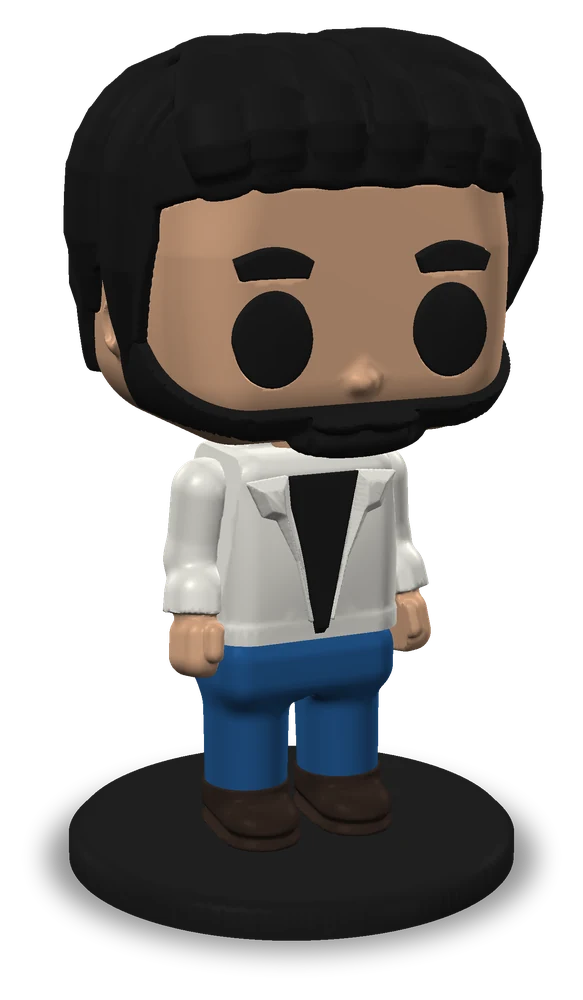
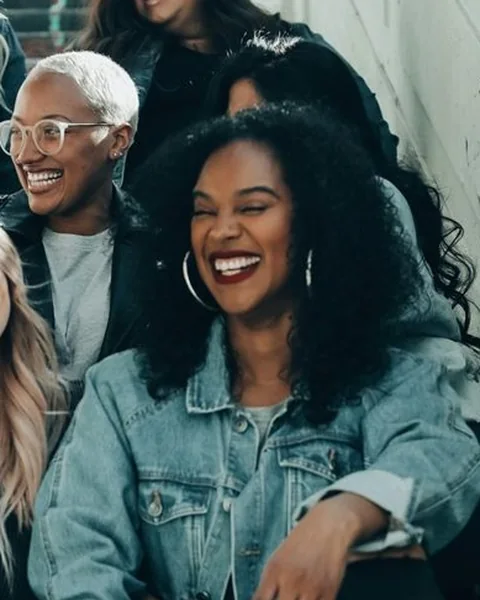
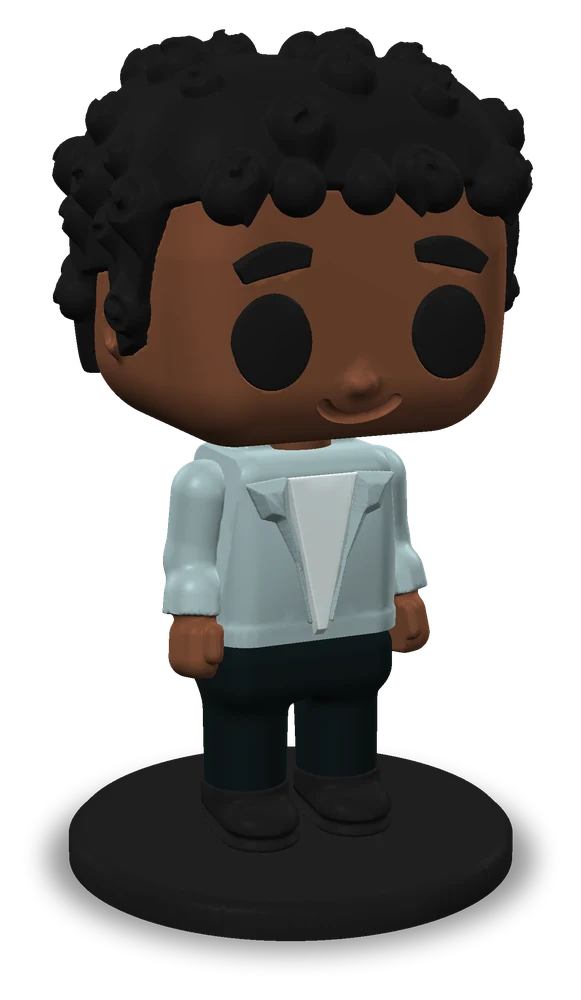
Photos: Unsplash (free to use). The figures are real results of our AI and our engine.
Twists
Hats, masks, glasses, a cape, headphones, a tie, a bow tie or a scarf: add one, change its colour or take it off again. Every change is free and shows in 3D at once.
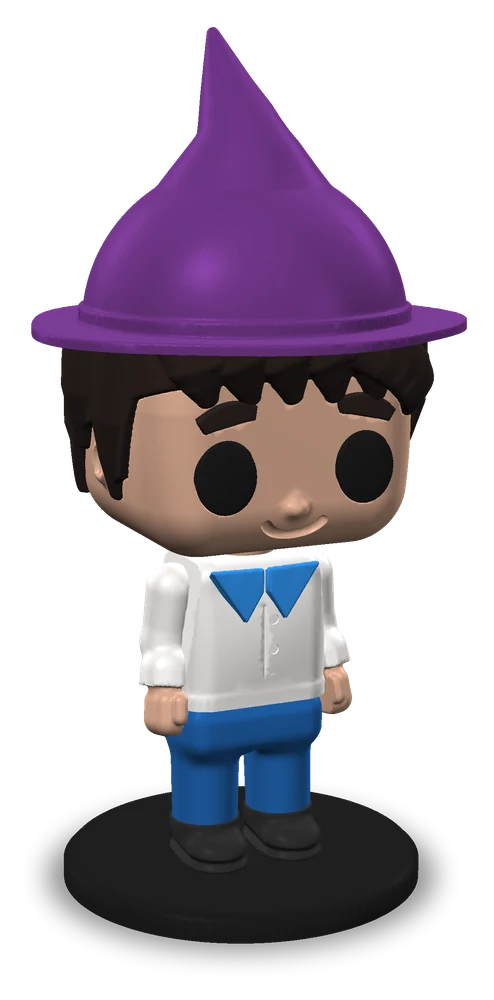
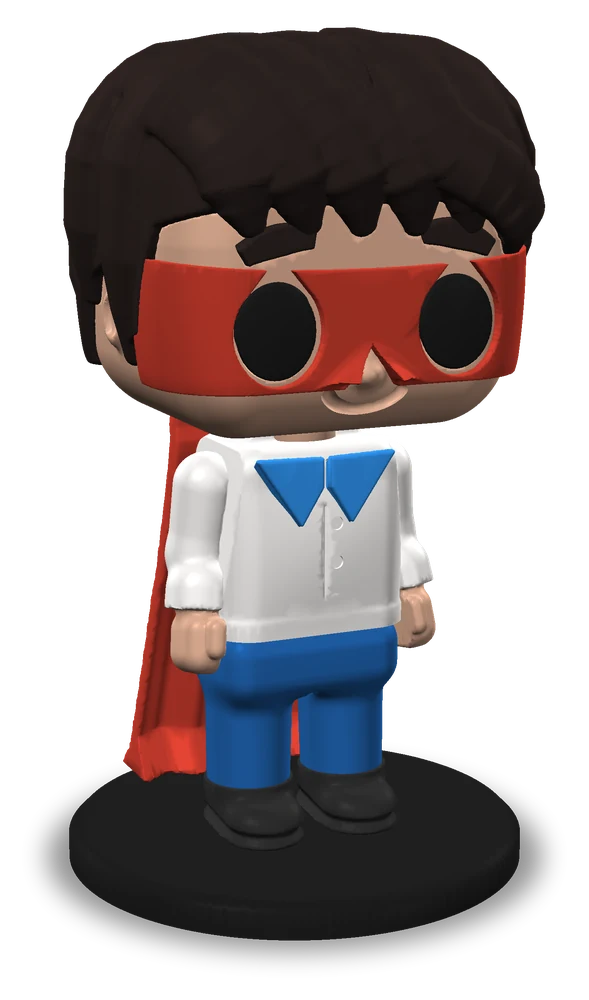
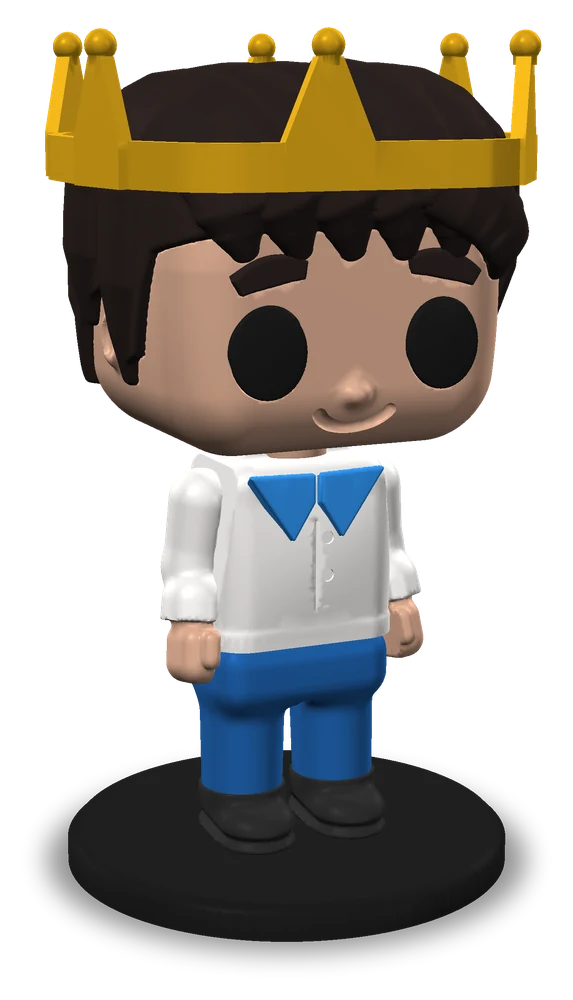
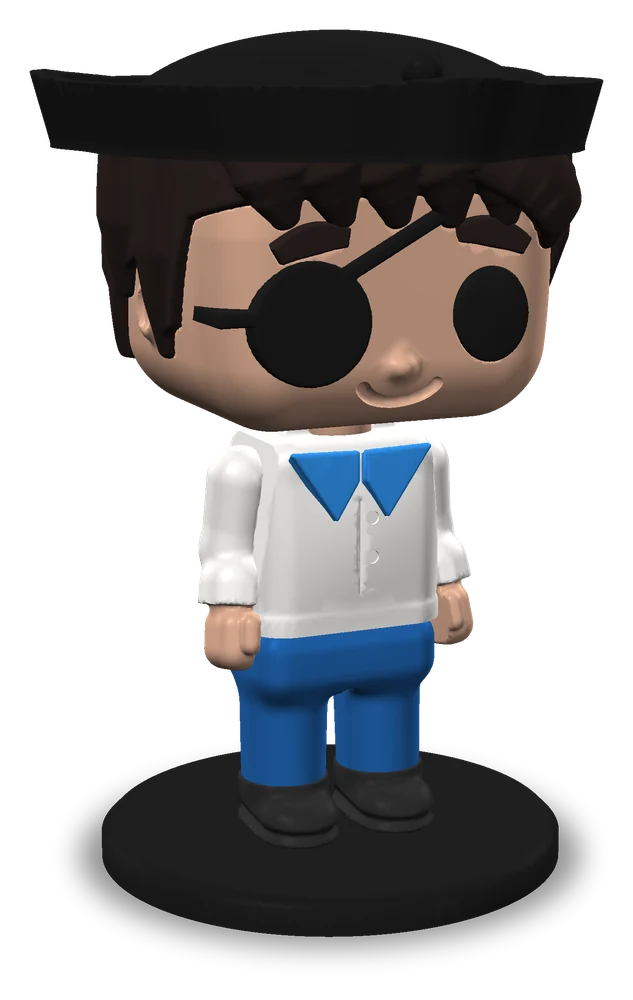
16 hats, three masks, five kinds of glasses, 19 hair styles and a name on the base.
Three outcomes
The whole body on a round or square base, 6 to 15 cm tall, with a name on the base if you like.
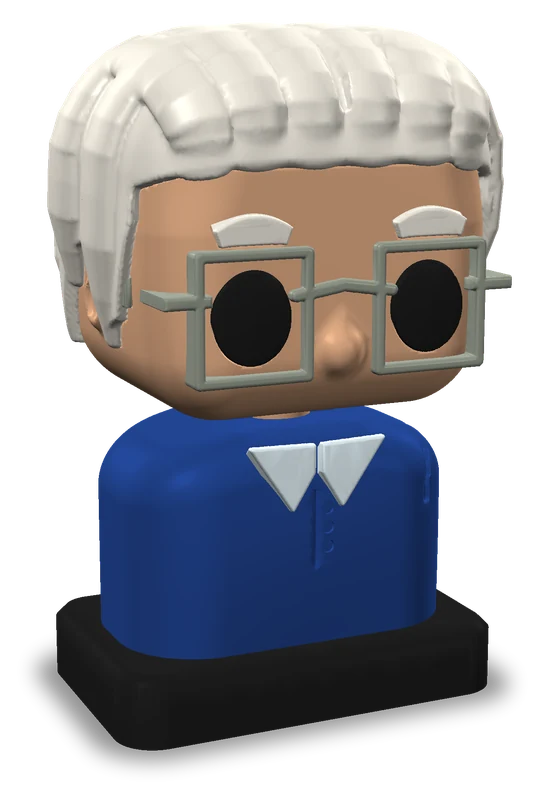
Head and shoulders on a plinth, 5 to 12 cm tall: a desk piece that prints quickly.
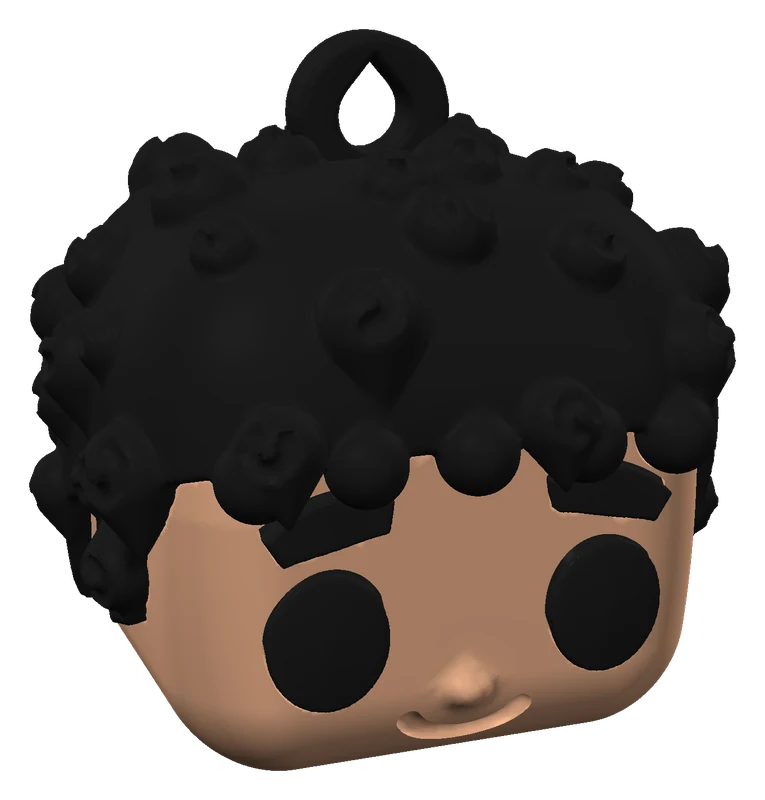
A small head, 3 to 6 cm tall, with a sturdy loop for a key ring.
Made to print
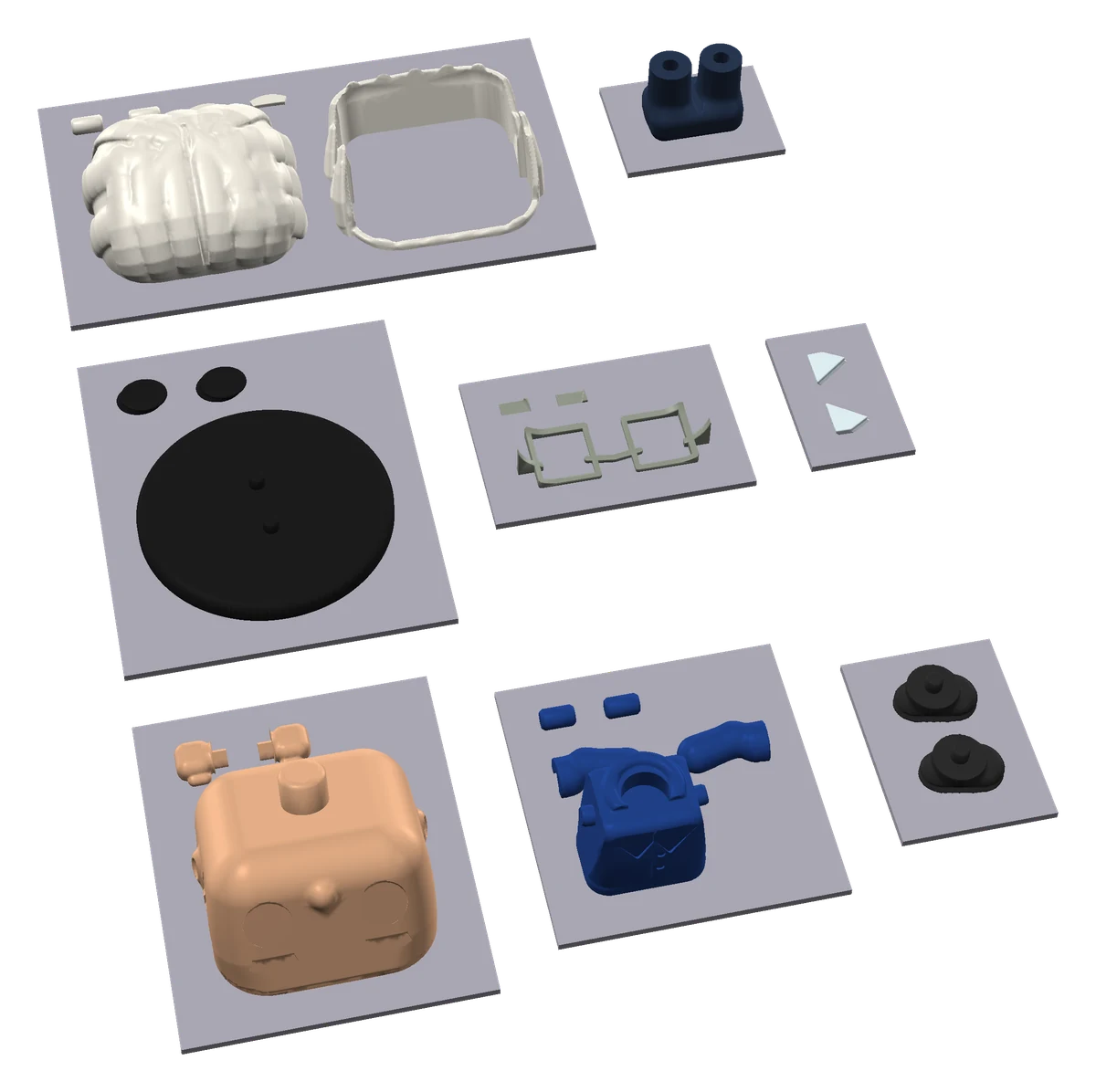
Figures are hard to print in one piece, so we did the hard part for you: every figure is designed as separate parts that each print cleanly on an ordinary FDM printer.
How it works
A clear photo of one person, face to the camera. No photo at hand? Start without one and design the figure yourself.
For 8 credits the AI studies the photo and designs your figure in about half a minute. Then change anything you like, free: the outcome, hair, face, clothes, twists, the base and colours from your own spools.
Download the files, print the plates and press the pegs home. The print sheet walks you through every step.
FAQ
A clear photo of one person, face to the camera, in good light. With several people in the photo, the figure is the one in front. The AI reads the hair, skin and eye colours, glasses, beard, clothes and any hat; it never tries to recognise who the person is.
No. Every part is a single colour, so a one-nozzle printer prints the figure one plate per colour, with no filament changes in the middle of a part. With an AMS or another multi-colour printer the parts share as few plates as possible, each on its own filament.
No supports: every part is cut where it prints flat and comes already turned the right way up. The parts join with pegs and holes, with a clearance you can adjust for your printer; flat details such as glasses sit in a shallow recess with a drop of glue. The print sheet lists every step.
8 credits per figure. They pay for the AI read, the full-quality model and every download of that figure; every change after that is free, and if the AI fails, the credits come back. You can also start without a photo, design the figure by hand and see it in 3D for free; its downloads then cost 8 credits too.
A figure is 6 to 15 cm tall, a bust 5 to 12 cm and a keychain 3 to 6 cm. A 9 cm figure uses about 40 g of filament; the tool shows the weight and the printing time of yours.
Any colour you have: pick each part's colour from your own spools (My spools) or from a library of more than 2,000 filaments. When your spools are saved, the AI's colours snap to them.
Only photos you have the right to use: your own, or ones the people in them gave you permission for. The same content rules as everywhere on ArtLine3D apply; see the terms of service.
Sign up in seconds. Design a figure by hand for free, or let the AI make it from your photo for 8 credits.